Project Background
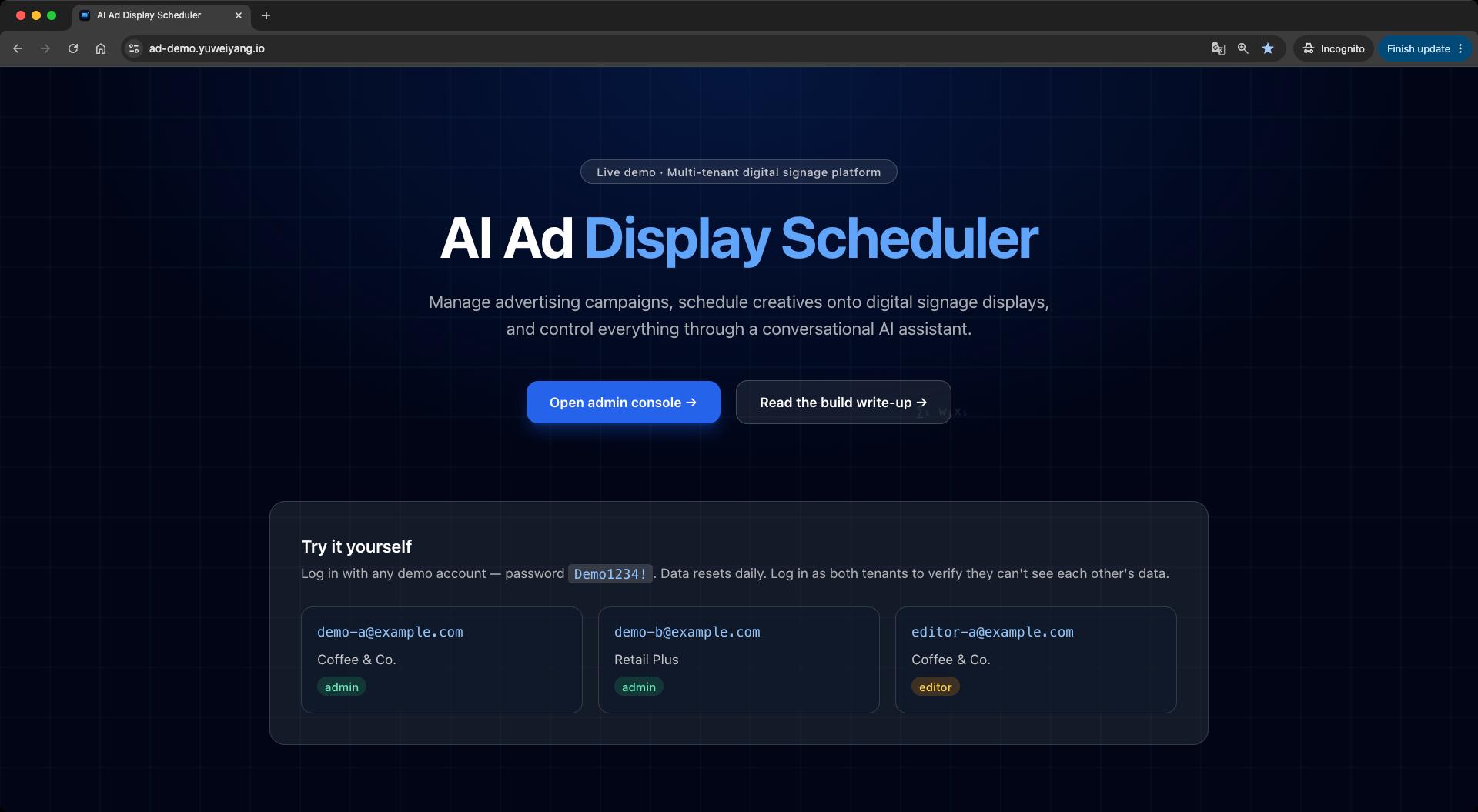
The AI Advertising Display Scheduler is a fully operable digital signage platform: manage displays, upload or generate media, set playback windows, and watch content rotate on a simulated player. It compresses the core loop of a signage product into a side project you can run end to end.
The frontend uses Vue 3 and Vite—I wanted a full pass through Composition API and Pinia. The backend is .NET 8 Web API on Linux EC2, PostgreSQL on existing RDS, and the frontend on AWS Amplify. AI work splits into two phases: Phase 2 for natural-language schedule management (Semantic Kernel function calling), Phase 3 for Stable Diffusion creatives via the Replicate API.
Architecture Overview
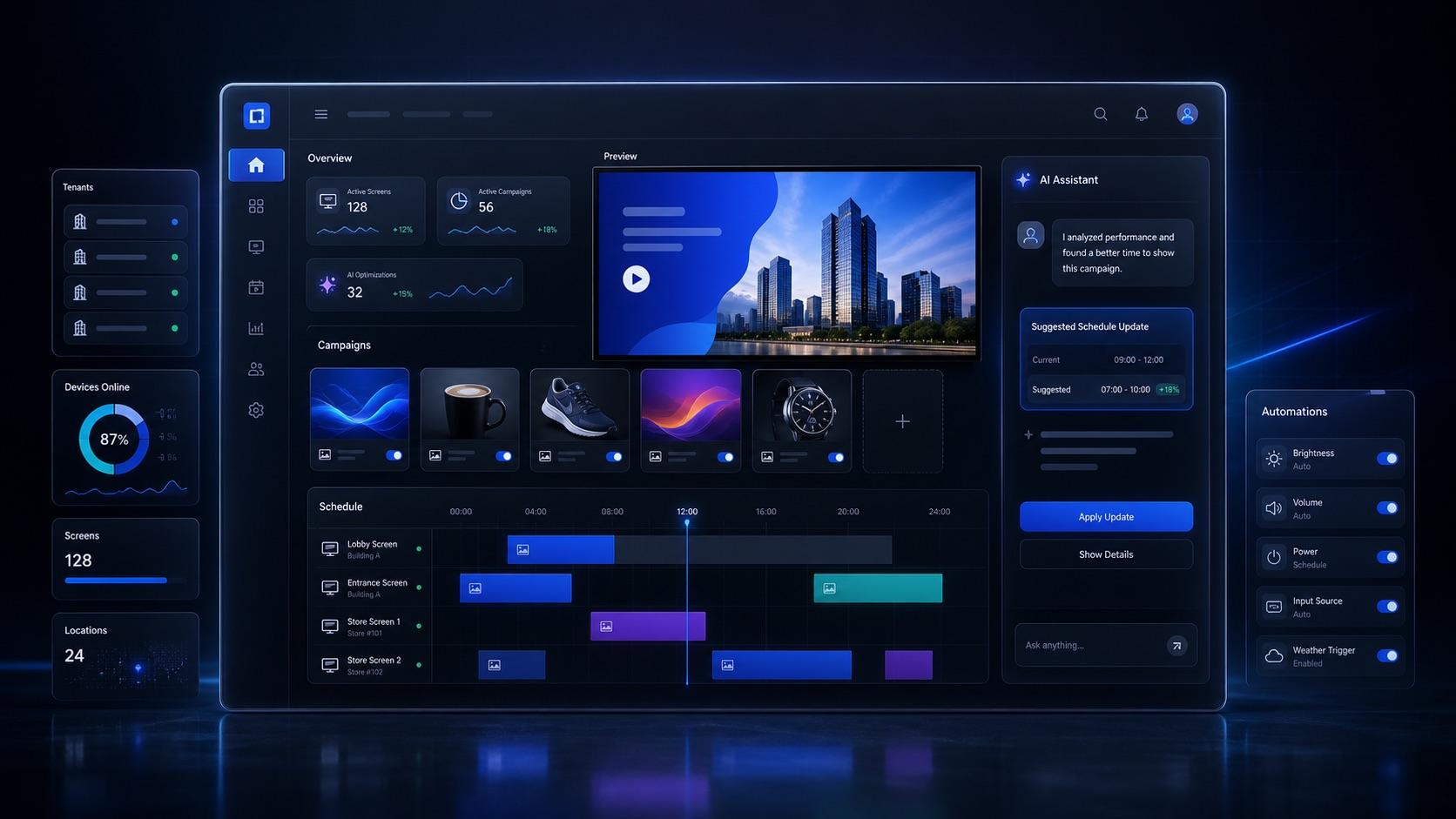
The project splits into frontend and backend: the frontend uses Vue 3, Vite, Pinia, and TanStack Query; the backend uses .NET 8, EF Core, and JWT. Media files live in S3; nginx reverse-proxies the API. It is a classic separated SaaS layout—small enough to maintain as a side project, but with the full path from admin setup to player playback wired up.
Multi-tenant Data Isolation
Multi-tenancy is enforced from auth through queries. JWT carries tenant_id and role; middleware injects a request-scoped tenant context; EF Core global query filters add WHERE tenant_id = current on every business entity. Writes always overwrite tenant_id in the service layer—never trusting client input.
Seed data creates two tenants (Coffee & Co. / Retail Plus) with public test credentials on the landing page, so you can switch accounts and confirm isolation holds. RBAC separates admin (full CRUD) from editor (no deletes).
Playback Scheduling Core
The most important business logic is the Playback API: given a device_key, return what should play right now. ScheduleResolverService checks date range, weekday, time window, and campaign status, then picks the highest priority (tie-breaker: newest created_at). This service is unit-tested; Phase 2's preview_playback AI tool reuses the same resolver.
The display player polls every ten seconds. Schedule changes show up quickly on the simulated screen—you see what is playing right now, not just what was configured in the admin.
AI Schedule Assistant: Function Calling and Safety
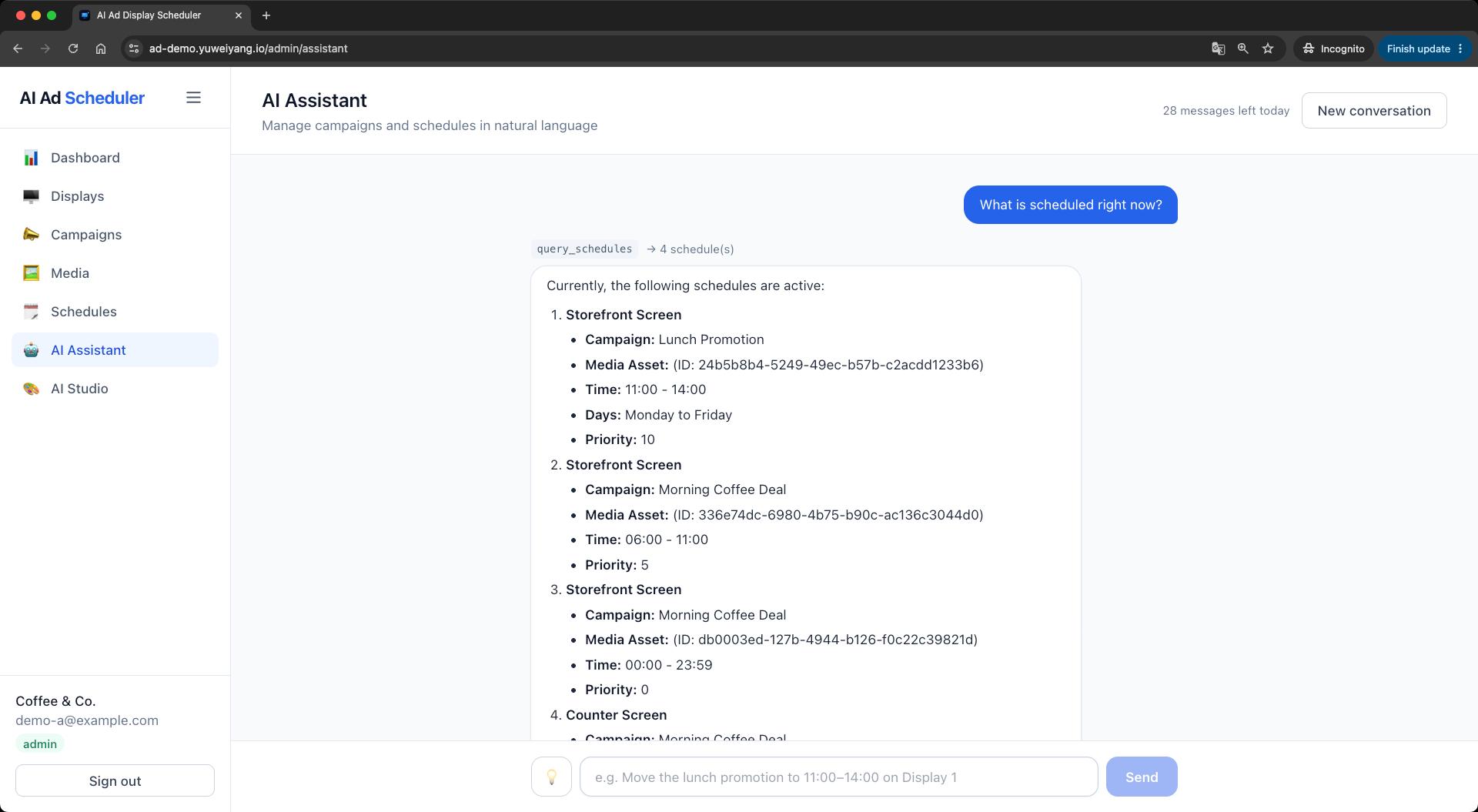
Phase 2 uses Semantic Kernel plugins (query_schedules, update_schedule, preview_playback, etc.). Three guardrails matter: AI never bypasses business rules—it calls the same services as the REST API; write operations require a confirmation card before execution, logged in ai_actions; full audit trail for every tool call.
The UI puts AI chat on the left and the player on the right. Ask the assistant to play an ad on a display, confirm the change, and the screen updates within seconds—schedule edits and playback stay linked in one view.
Stable Diffusion Creative Pipeline
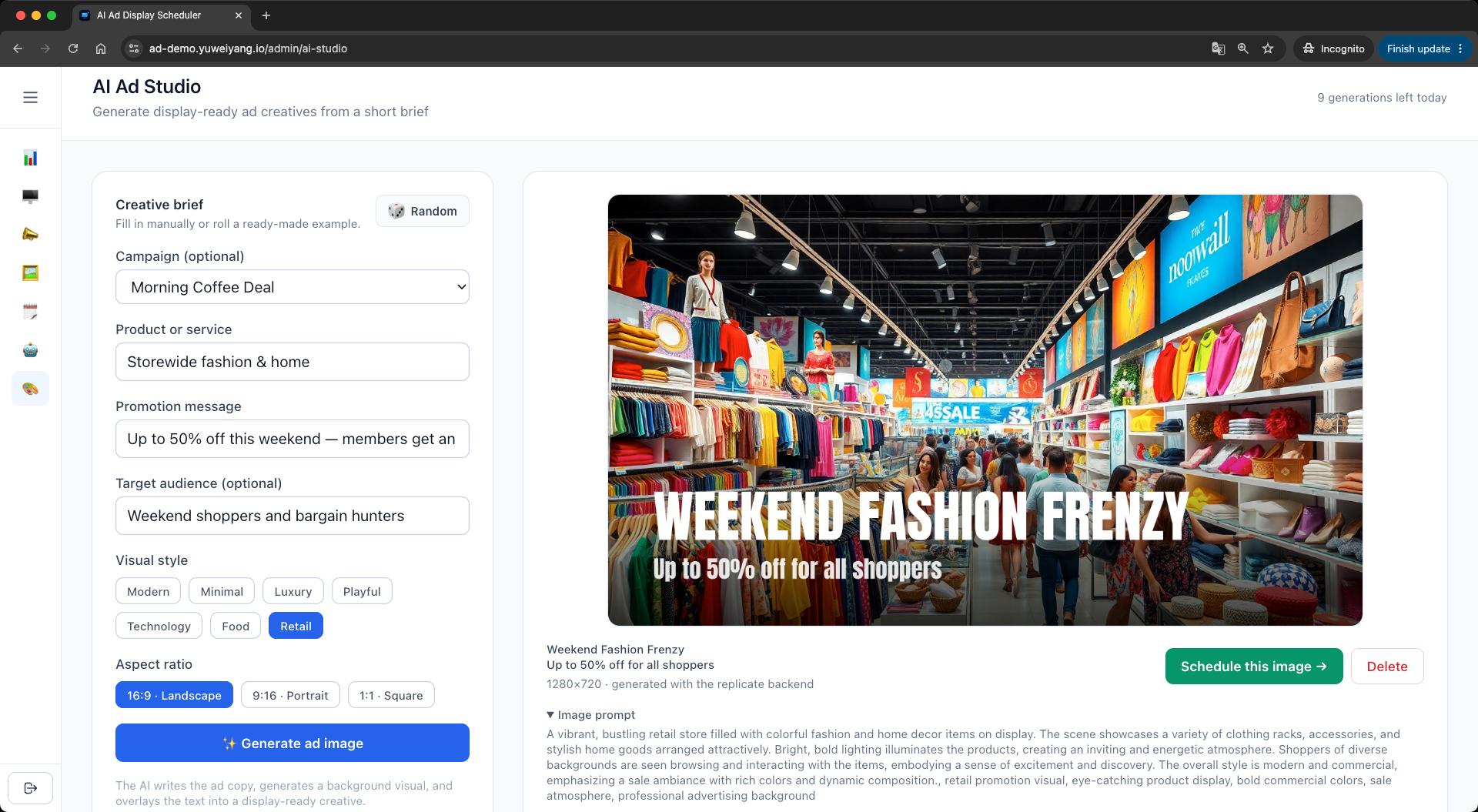
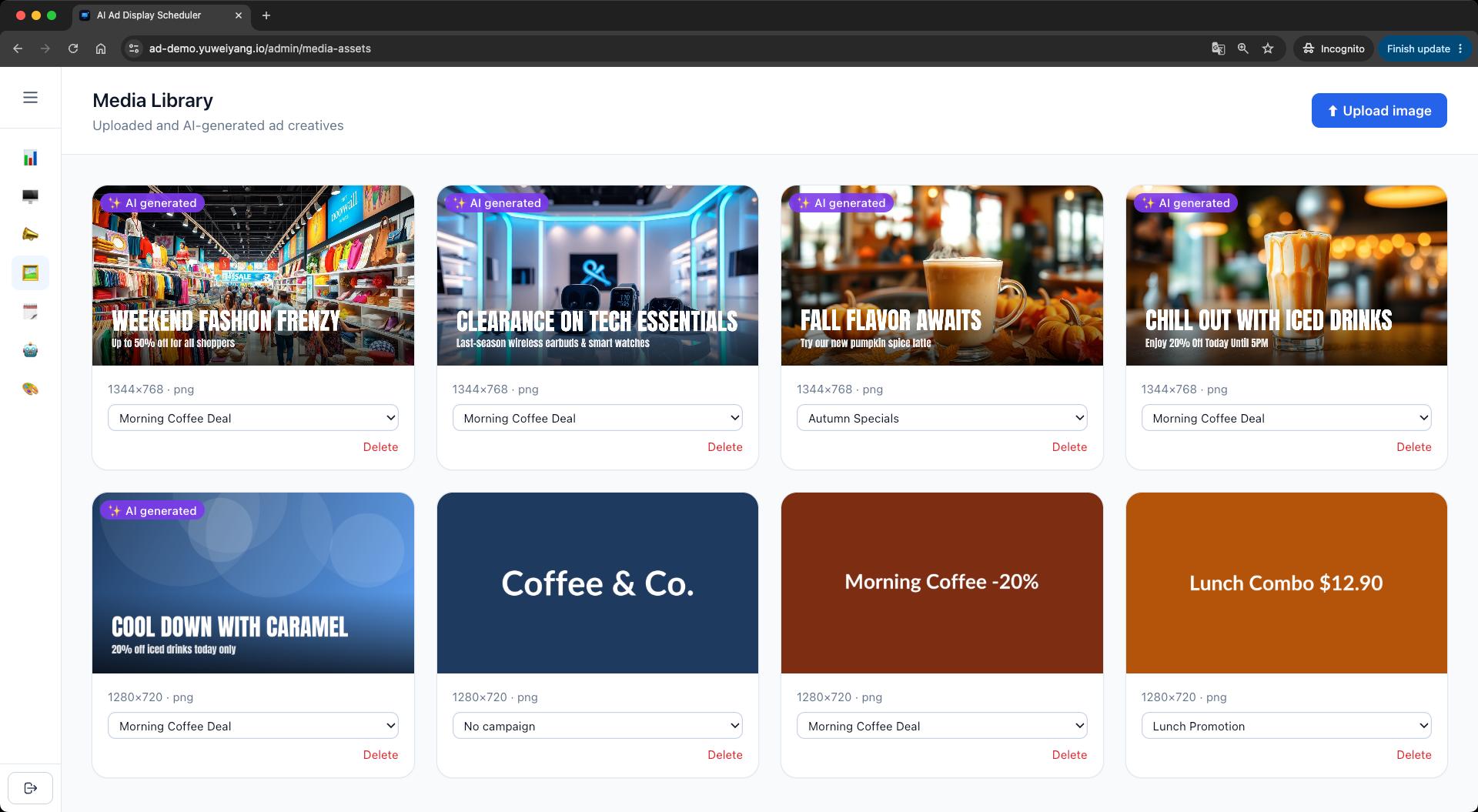
Phase 3 runs a two-step pipeline: gpt-4o-mini turns form input into ad copy and an image prompt; Replicate (SDXL/FLUX) generates the visual. Because diffusion models render text poorly, ImageSharp overlays copy onto the image for a production-ready asset. Python SD stacks stay external—HTTP-hosted APIs, no GPU on EC2.
.NET 8 on Linux Deployment
Backend: dotnet publish, systemd service on EC2, nginx on a dedicated API subdomain, deployed via CI/CD on merge to main. Frontend: Amplify with automatic builds and custom domain ad-demo.yuweiyang.io. Database: separate database on existing RDS. Extra cost stays near zero by reusing personal-site infrastructure.
Public Demo and Cost Controls
Public access means assuming abuse. Beyond JWT login: daily chat/image quotas, rate limiting, vendor spend caps on OpenAI and Replicate, and AWS Budgets alerts. A daily cron resets seed data—a self-resetting sandbox.
Live Demo
Live Demo: ad-demo.yuweiyang.io
The landing page provides test tenant credentials so you can jump straight into the admin, AI assistant, and display player.
Closing Thoughts
This project ties product flow, tenant isolation, safe AI integration, and AWS deployment into something you can click through live. If Playback scheduling, Semantic Kernel tool design, or deployment details interest you, try the demo.